GeM Registration
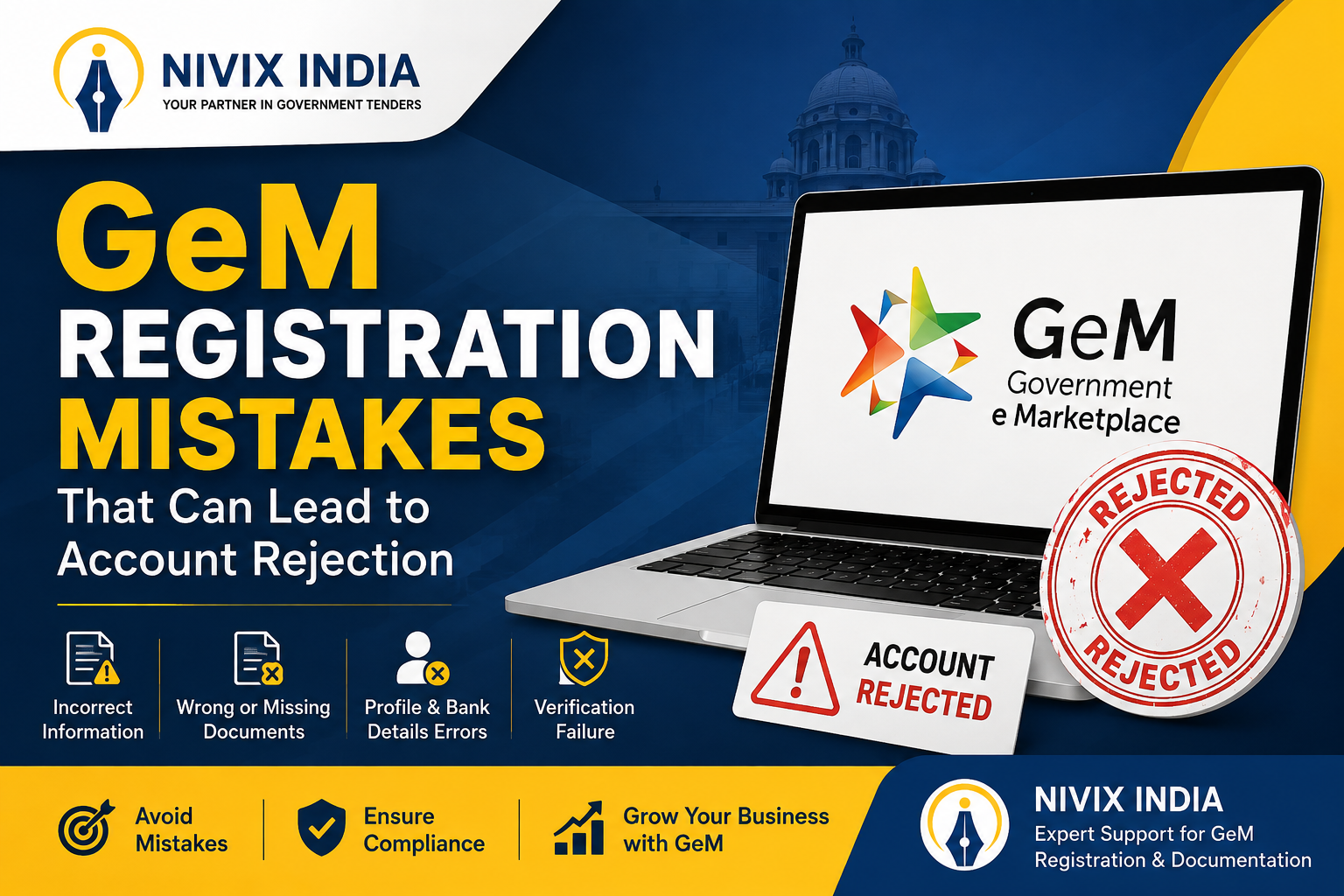
GeM Registration Mistakes That Can Lead to Account Rejection
Registering on the Government e-Marketplace (GeM) is the first step toward supplying products and services to government departments across India. However, even small mistakes during registration can lead to account rejection, verification delays, or additional compliance requirements. This guide explains the most common GeM registration mistakes and how businesses can avoid them. It also highlights how Nivix India assists businesses with proper documentation and registration support without guaranteeing approvals or tender success.
1. Incorrect Business Information
One of the most common mistakes is entering incorrect business details.
Examples include:
● Incorrect business name
● Wrong PAN details
● Incorrect GSTIN
● Typographical errors
● Wrong registered address
Since GeM verifies information with government databases, even a minor mismatch can result in verification failure. Always ensure that your details exactly match your official business documents.
2. Name Mismatch Across Documents
Many businesses have slight differences in their:
● PAN
● Aadhaar
● GST Registration
● Bank Account
● Udyam Registration
For example, using initials in one document and the full name in another may trigger automated verification issues. Before registering, verify that all documents contain consistent information.
3. Uploading Incorrect or Unclear Documents
Poor-quality document uploads are another major reason for rejection.
Common issues include:
● Blurred scans
● Cropped documents
● Expired certificates
● Incorrect file formats
● Missing mandatory documents
Ensure every document is clear, complete, and currently valid before uploading.
4. Incorrect Bank Account Details
GeM validates bank information during seller registration. If the bank account name does not match the registered business entity or incorrect account details are entered, verification may fail.
Always use an active business bank account that matches your legal business records.
5. Wrong Product or Service Category Selection
Choosing incorrect product categories can create problems later during catalog creation and tender participation.
Select only those categories that accurately represent your business offerings and capabilities. Proper category mapping improves profile accuracy and helps buyers find relevant products or services.
6. Ignoring Udyam or MSME Details
Eligible MSMEs should ensure that their Udyam information is correctly linked wherever applicable. Missing or incorrect MSME details may affect available benefits and verification processes.
7. Using Expired DSC or Incorrect Digital Signature
Some registration activities require a valid Digital Signature Certificate (DSC). An expired or incorrectly configured DSC may interrupt the registration process.
Always verify that your DSC is valid and correctly mapped before proceeding.
8. Skipping Profile Verification
Some businesses complete registration but leave important profile sections incomplete.
Missing information such as:
● Contact details
● Product information
● Business profile
● Required certifications may delay approval or affect future participation on the portal.
How Nivix India Can Help
Completing a GeM registration requires careful attention to documentation and compliance. Nivix India assists businesses by guiding them through the registration process, reviewing documents, helping organize required information, and supporting sellers in preparing a complete GeM profile.
Our team focuses on accurate documentation, proper profile preparation, and compliance-based guidance to reduce avoidable errors. However, approvals and verification decisions are made solely by the concerned government authorities, and Nivix India does not guarantee account approval or tender success .
Tips to Avoid GeM Registration Rejection
● Verify all business information before submission.
● Ensure names match across PAN, GST, Aadhaar, bank account, and other documents.
● Upload clear, valid, and complete documents.
● Use an active business bank account.
● Select the correct product or service categories.
● Review the entire application before final submission.
● Keep all compliance documents updated.
Conclusion
A successful GeM registration begins with accurate information and complete documentation. Most account rejections occur because of preventable mistakes rather than complex technical issues. By carefully reviewing every detail before submission, businesses can improve the chances of a smooth registration process and avoid unnecessary delays. Professional documentation support from Nivix India can help businesses prepare their applications more effectively while ensuring compliance with GeM registration requirements.
One of the most common mistakes is entering incorrect business details.
Examples include:
● Incorrect business name
● Wrong PAN details
● Incorrect GSTIN
● Typographical errors
● Wrong registered address
Since GeM verifies information with government databases, even a minor mismatch can result in verification failure. Always ensure that your details exactly match your official business documents.
2. Name Mismatch Across Documents
Many businesses have slight differences in their:
● PAN
● Aadhaar
● GST Registration
● Bank Account
● Udyam Registration
For example, using initials in one document and the full name in another may trigger automated verification issues. Before registering, verify that all documents contain consistent information.
3. Uploading Incorrect or Unclear Documents
Poor-quality document uploads are another major reason for rejection.
Common issues include:
● Blurred scans
● Cropped documents
● Expired certificates
● Incorrect file formats
● Missing mandatory documents
Ensure every document is clear, complete, and currently valid before uploading.
4. Incorrect Bank Account Details
GeM validates bank information during seller registration. If the bank account name does not match the registered business entity or incorrect account details are entered, verification may fail.
Always use an active business bank account that matches your legal business records.
5. Wrong Product or Service Category Selection
Choosing incorrect product categories can create problems later during catalog creation and tender participation.
Select only those categories that accurately represent your business offerings and capabilities. Proper category mapping improves profile accuracy and helps buyers find relevant products or services.
6. Ignoring Udyam or MSME Details
Eligible MSMEs should ensure that their Udyam information is correctly linked wherever applicable. Missing or incorrect MSME details may affect available benefits and verification processes.
7. Using Expired DSC or Incorrect Digital Signature
Some registration activities require a valid Digital Signature Certificate (DSC). An expired or incorrectly configured DSC may interrupt the registration process.
Always verify that your DSC is valid and correctly mapped before proceeding.
8. Skipping Profile Verification
Some businesses complete registration but leave important profile sections incomplete.
Missing information such as:
● Contact details
● Product information
● Business profile
● Required certifications may delay approval or affect future participation on the portal.
How Nivix India Can Help
Completing a GeM registration requires careful attention to documentation and compliance. Nivix India assists businesses by guiding them through the registration process, reviewing documents, helping organize required information, and supporting sellers in preparing a complete GeM profile.
Our team focuses on accurate documentation, proper profile preparation, and compliance-based guidance to reduce avoidable errors. However, approvals and verification decisions are made solely by the concerned government authorities, and Nivix India does not guarantee account approval or tender success .
Tips to Avoid GeM Registration Rejection
● Verify all business information before submission.
● Ensure names match across PAN, GST, Aadhaar, bank account, and other documents.
● Upload clear, valid, and complete documents.
● Use an active business bank account.
● Select the correct product or service categories.
● Review the entire application before final submission.
● Keep all compliance documents updated.
Conclusion
A successful GeM registration begins with accurate information and complete documentation. Most account rejections occur because of preventable mistakes rather than complex technical issues. By carefully reviewing every detail before submission, businesses can improve the chances of a smooth registration process and avoid unnecessary delays. Professional documentation support from Nivix India can help businesses prepare their applications more effectively while ensuring compliance with GeM registration requirements.
